The ai-diagrams brand
Documents
come to life.
Ideas, systems and processes find a shape. A neutral interface gives the drawing room to speak.
01 Signature
Encontro. A D with an A inside.

Different shapes. One meeting point.
The stem and the circle form a D. The equilateral triangle points up like an A. Yellow stays solid on top; only cyan and coral overlap in multiply.
Keep clear space equal to ¼ of the symbol width. Minimum: 16 px for the symbol, 160 px for the signature. Always write ai-diagrams in lowercase.


02 Color & typography
Color belongs to the drawing. Controls stay neutral.
#24C8F59.10:1#FF5B595.88:1#FFE60014.15:1#9868F54.81:1Where the colors meet
#244756#24B400#1552EB#FF5200#982556#985E00Inter / 400 · 500 · 600 · 700
Suddenly,
it all connects.
Titles, body text and the signature.
JetBrains Mono / 400 · 600
01 → 02 → 03
Labels, measurements and code.
03 Voice
Lively. Clear. Grounded.
Use short sentences and concrete verbs. Explain the next step. Be curious about the drawing, precise about what was checked.
“The diagram is ready. See how the parts connect.”
“Two boxes overlap. Let's make room between them.”
Geometry checks help with the drawing. Content still needs a human review.
04 Applications
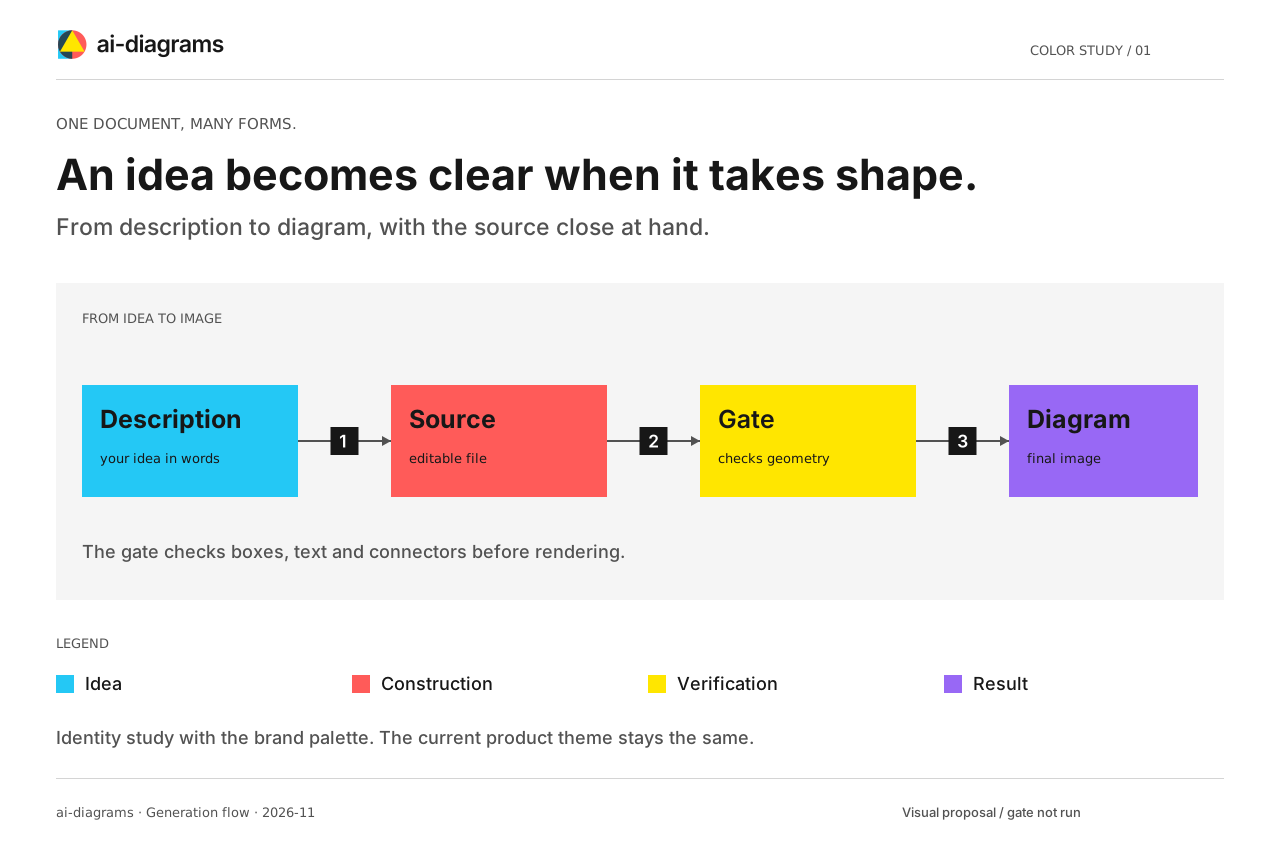
From the browser tab to the complete drawing.
Favicon / actual size


The same Encontro geometry, from the smallest icon to the full signature.